A first draft, with AI.
A draft for you to review, adjust, and send.
 OkamiUNI
Made for Mac. Designed around your day.
Email, calendar, and intelligence. Together, they help you
move from the conversation to what matters.
Explore the demo in your browser. No account needed.
FROM EMAIL TO THE NEXT STEP
Less time sorting messages.
More room for what you need to do.
INTELLIGENCE WITH CONTEXT
Summarize what matters, prepare a reply, and turn an agreed time into a calendar event.
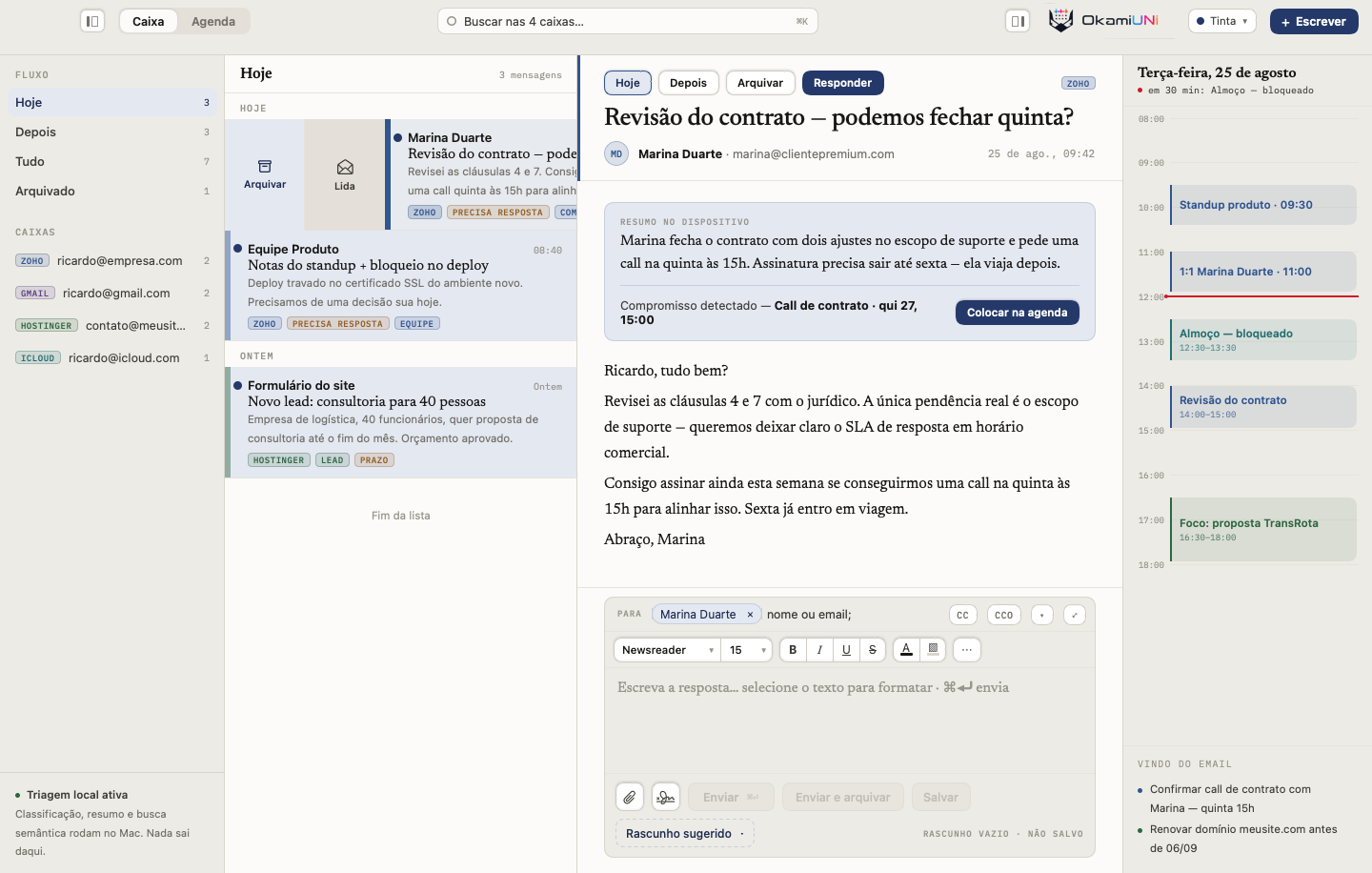
A draft for you to review, adjust, and send.
Use local AI or choose your provider.
GESTURES THAT MAKE SENSE
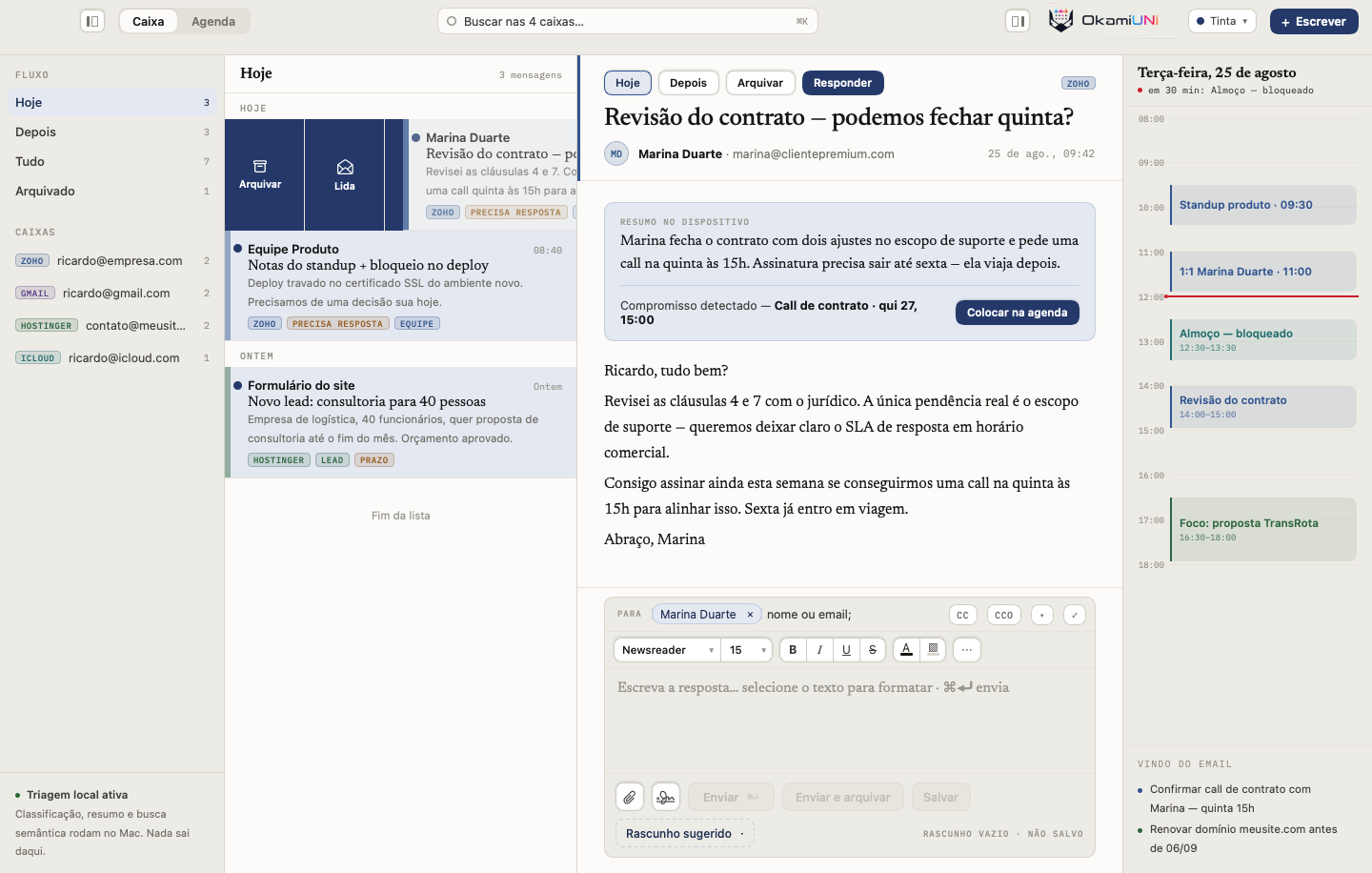
Archive or mark as read.
Your next email is one gesture away.
EXPLORE WITHOUT AN ACCOUNT
Choose an area and explore. Open an email, see the week, or explore the day view.
OkamiUNIEmail and calendarMADE FOR WORKING ON YOUR MAC
Read offline, use shortcuts you already know, and choose a theme that feels right for you.
Read email that has already synced and prepare replies. Sending and other actions wait for your connection to return.
Syncs when your connection returnsUse shortcuts to reply, archive, or compose. Open messages in their own windows when you need to compare information.
Prefer a light, dark, or higher-contrast background? The app has 26 themes to adapt reading to your preference.
PRACTICAL PRIVACY
Local storage, image permissions, and your choice of AI provider.
What happens when I use AI?Synced email stays stored locally. Your credentials are protected by the macOS Keychain.
Remote images are blocked by default. Before opening a link, UNI shows the destination address.
Use local AI on a compatible Mac or choose an external provider. The app shows where content is going before it is sent.
BEFORE YOU START
No. Connect the accounts you already use. Your addresses and providers stay the same; UNI brings access to them together.
Google accounts, including Gmail and Google Workspace, and providers with IMAP and SMTP. Availability depends on the protocols and permissions offered by your provider.
No. You can use email and calendar without AI. When you enable it, choose compatible local models or external providers. Local model availability depends on your Mac and system configuration.
OkamiUNI requires macOS 26 or later. Local AI also depends on a Mac compatible with Apple Intelligence and model availability in the system.
The app is in development, and this page does not offer a download yet. For now, explore the browser demo without creating an account.